Learn
Build your first ViteHub app in the browser
Follow a short lesson next to a live editor. Each step runs a real Vite server in this tab, so you install nothing.
3 steps · About 10 min · Chrome, Edge, or Firefox on a desktop
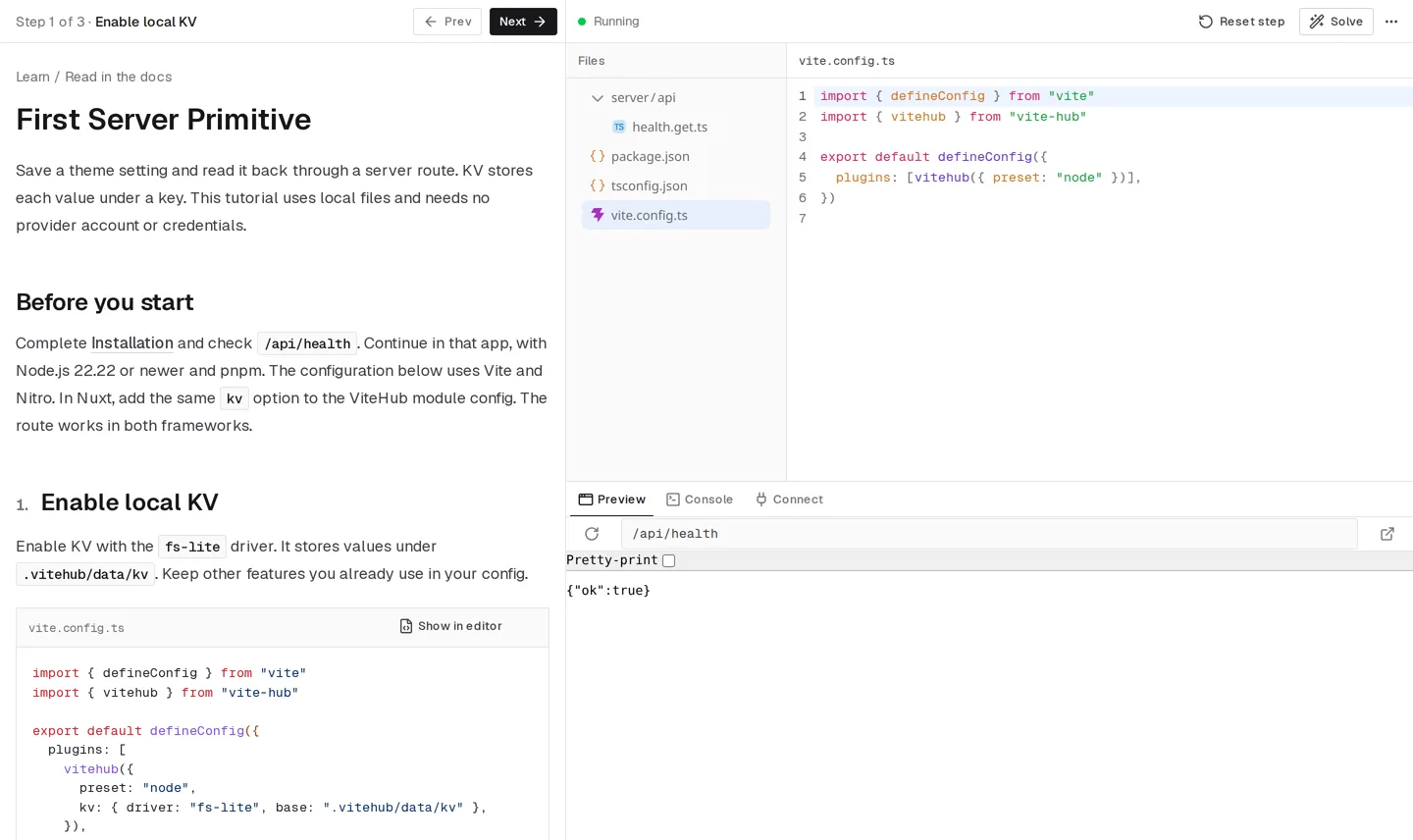
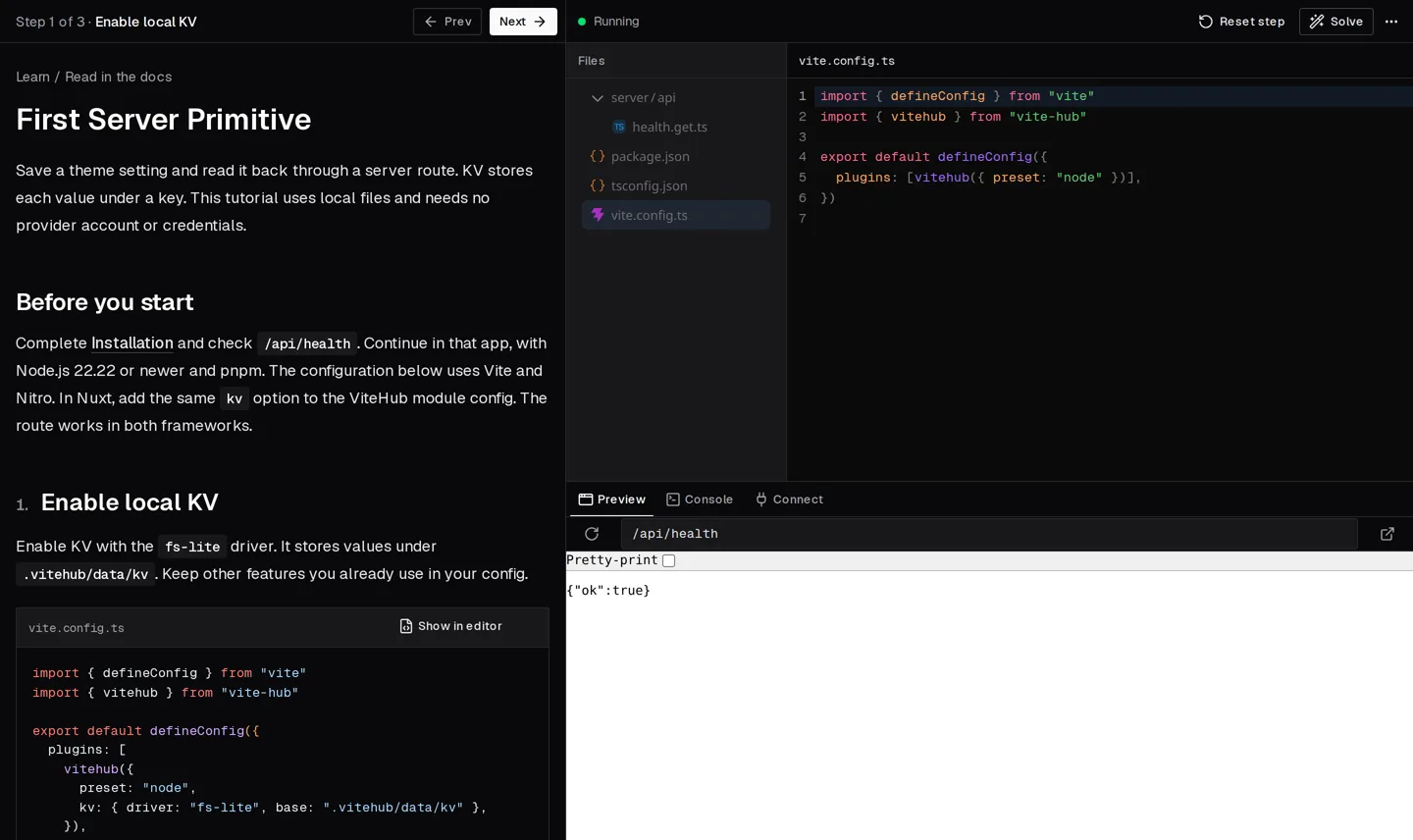
Start in your browser
Each lesson runs beside an editor and a live preview. Check every step before you go on.
First Server Primitive
Add local KV to your app, save a setting, and return the stored value from a route.
Start tutorialFirst Agent
Add an offline greeting Agent to your app, call it from a server route, and check its response.
Start tutorialTurn a sentence into filters
Build a filter box that reads "nord parts except vak supply" and fills your own chips. It runs offline, with no API key.
Start tutorial
Build a full app
A complete project on your machine. Each step adds a feature and shows how to check it.
Try a primitive in the playground
Open a small app that uses one primitive, change the code, and see the result. No lesson, no setup.
Add one primitive to your app
Short quickstarts from the docs. Each one adds a single primitive to an app you already have.
28 quickstarts match.
KV
Database
Blob
Queue
Workflows
Schedule
Sandbox
Shell
Browser
Logs
Auth
Env
Connections
Rate Limit
Channels
Realtime collaboration
Comments
Workspace
Source
Content
CMS
Agents
UI
Docs site
Reference
Learning with a coding agent?
Give it the ViteHub skill or the docs MCP server, so the code it writes matches these lessons.