

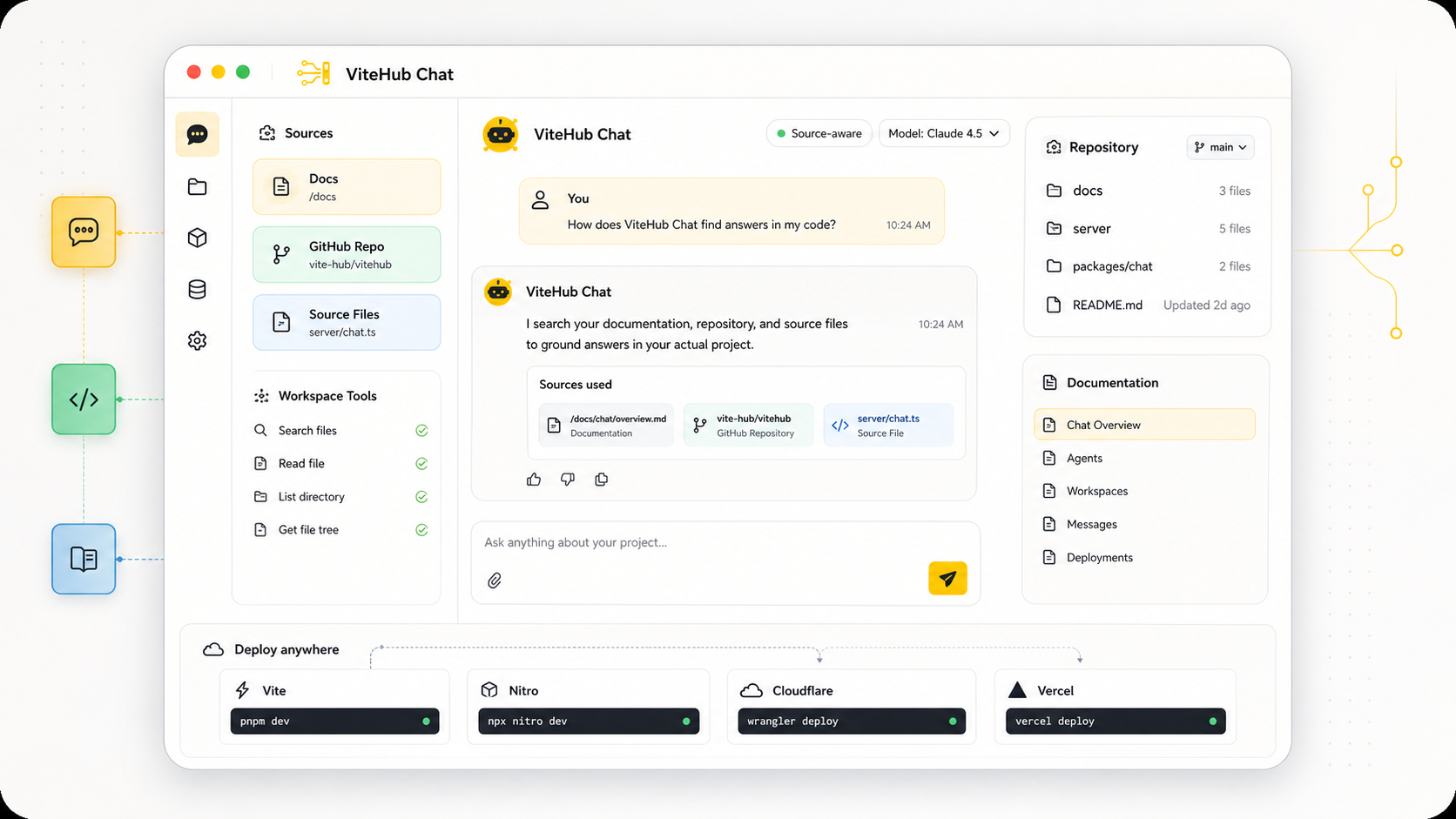
Building a source-aware assistant should not require a separate system for context, tools, and message handling. ViteHub gives the agent a workspace, attaches explicit capabilities, and keeps the server code close to the app that owns the product behavior.
This guide starts with a small support chatbot, then connects the agent to project files so answers come from real source material instead of memory.
What you build
The finished flow has four pieces:
- A ViteHub installation in
vite.config.ts. - An Agent Definition in
server/agents/support.ts. - Workspace sources that mount docs and project files.
- A server route that invokes the agent from a support message.
The code stays intentionally small. The important part is the boundary: the workspace supplies context, capabilities expose controlled actions, and the agent decides when to use them.
Install the packages
Install the agent package, the workspace primitive, and the model package you want to use.
pnpm add @vite-hub/agent @vite-hub/workspace @ai-sdk/gateway
Register the integrations in vite.config.ts.
import { hubAgent } from '@vite-hub/agent/vite'
import { hubWorkspace } from '@vite-hub/workspace/vite'
import { defineConfig } from 'vite'

export default defineConfig({
  plugins: [
    hubWorkspace(),
    hubAgent(),
  ],
})
ViteHub discovers agent files under server/agents. The workspace integration prepares file sources so the agent can inspect them through capabilities.
Define the support agent
Create a support agent with short instructions and a model. This definition can run without workspace access, which makes it useful as the smallest possible baseline.
import { gateway } from '@ai-sdk/gateway'
import { defineAgent } from '@vite-hub/agent'

export default defineAgent({
  adapter: 'ai-sdk',
  instructions: 'Answer support requests with short, concrete replies.',
  model: gateway('openai/gpt-5.1-mini'),
})
The file path names the agent. In this example, server/agents/support.ts registers the support agent.
Add project context
Models need source material before they can answer product questions safely. Add workspace sources for docs, package files, and an inline instruction file.
import { gateway } from '@ai-sdk/gateway'
import { defineAgent } from '@vite-hub/agent'
import { workspaceShell } from '@vite-hub/agent/capabilities'
import { source } from '@vite-hub/workspace'

export default defineAgent({
  adapter: 'ai-sdk',
  workspace: {
    sources: {
      docs: source.glob({
        cwd: '.',
        include: ['README.md', 'docs/**/*.md'],
      }),
      packages: source.glob({
        cwd: '.',
        include: ['packages/*/src/**/*.ts'],
      }),
      instructions: source.file({
        workspacePath: 'AGENTS.md',
        content: [
          '# Support agent',
          'Inspect the workspace before answering product questions.',
          'Say when the workspace does not contain enough information.',
        ].join('\n'),
      }),
    },
  },
  capabilities: [
    workspaceShell({ mode: 'read' }),
  ],
  instructions: [
    'Answer support requests from the connected workspace.',
    '{{ capabilities }}',
  ].join('\n\n'),
  model: gateway('openai/gpt-5.1-mini'),
})
Workspace sources describe what exists. Capabilities decide what the model can do with that context. In this case, workspaceShell({ mode: 'read' }) gives the agent read-only inspection tools.
Invoke the agent from a route
The app owns product entry points. A server route can accept a support message, call the agent, and return the response to any UI or event source.
import { runAgent } from '@vite-hub/agent'
import support from '../agents/support'

export default defineEventHandler(async (event) => {
  const body = await readBody<{ message: string }>(event)

  return runAgent(support, { runtime: 'vite' }, {
    prompt: body.message,
    context: {
      channel: 'support',
    },
  })
})
This keeps chat, ticket, or webhook adapters outside the Agent Definition. The agent receives a task and the context it needs; the route remains responsible for HTTP behavior.
Add a custom capability
Capabilities are the extension point for product-specific actions. Add one when the agent needs an ability that belongs to your app, such as ticket lookup.
import { defineCapability } from '@vite-hub/agent'
import { searchTicketsByEmail } from '../../support/tickets'

export function tickets() {
  return defineCapability({
    id: 'tickets',
    instructions: {
      tickets: 'Use ticket tools only to inspect support history.',
    },
    tools: {
      async searchTickets(input: { email: string }) {
        return searchTicketsByEmail(input.email)
      },
    },
  })
}
Attach the capability to the support agent and include the capability instruction block.
import { gateway } from '@ai-sdk/gateway'
import { defineAgent } from '@vite-hub/agent'
import { workspaceShell } from '@vite-hub/agent/capabilities'
import { tickets } from './capabilities/tickets'

export default defineAgent({
  adapter: 'ai-sdk',
  instructions: [
    'Answer support requests from the connected workspace.',
    '{{ capabilities }}',
    '{{ tickets }}',
  ].join('\n\n'),
  capabilities: [
    workspaceShell({ mode: 'read' }),
    tickets(),
  ],
  model: gateway('openai/gpt-5.1-mini'),
})
Custom capabilities should describe the product ability, not just expose a function. Keep policy, requirements, and model-facing instructions next to the tools they control.
Test the loop
Run the app and post a support message to the route.
pnpm dev
curl -X POST http://localhost:5173/api/support \
  -H 'content-type: application/json' \
  -d '{"message":"Where is the KV helper documented?"}'
The useful signal is not just the final answer. Inspect the run and confirm that the agent reads workspace files before it replies. If it answers without checking sources, tighten the instructions or capability policy.
Next steps
- Read Agent definitions for the full definition shape.
- Read Workspace context to choose source types.
- Read Custom capabilities to expose app-specific actions.
- Read Server primitives when the agent needs durable storage, queues, workflows, or sandbox execution.